
Products
| ALL Products | ||
|
|
|
Corporate Gifts
- Custom USB flash drives
- Eco-friendly gifts
- Portable SSDs
- Other gifts
-
Corporate gifts
Free Design Guide: How to Create Content for Crystal Ball Video Player
Creating stunning visuals for your crystal ball video player requires precision. This free design guide helps you prepare high-quality content that shines on the digital crystal ball's 4.02” full-perspective screen.
Whether you're using it as a unique corporate gift crystal electronic video player or a personal keepsake, the right media ensures clarity, smooth playback, and professional appeal.
To avoid distortion or pixelation, follow these guidelines:
| Parameter | Recommended Value |
|---|---|
| Screen size: | 2.1 inch Round Screen |
| Resolution: | 480 x 480 pixels (native) or 1280 x 720 pixels max |
| Aspect Ratio: | 16:9 (ideal for circular framing illusion) |
| Frame Rate: | 25–30fps |
| File Format: | MP4 (H.264 codec recommended) |
| Image Format: | JPG, PNG, BMP (≤4MB each) |
| Total Media Size | ≤3.6GB across all folders |
Tip: Optimize the video resolution using video editing software to achieve the best display effect.
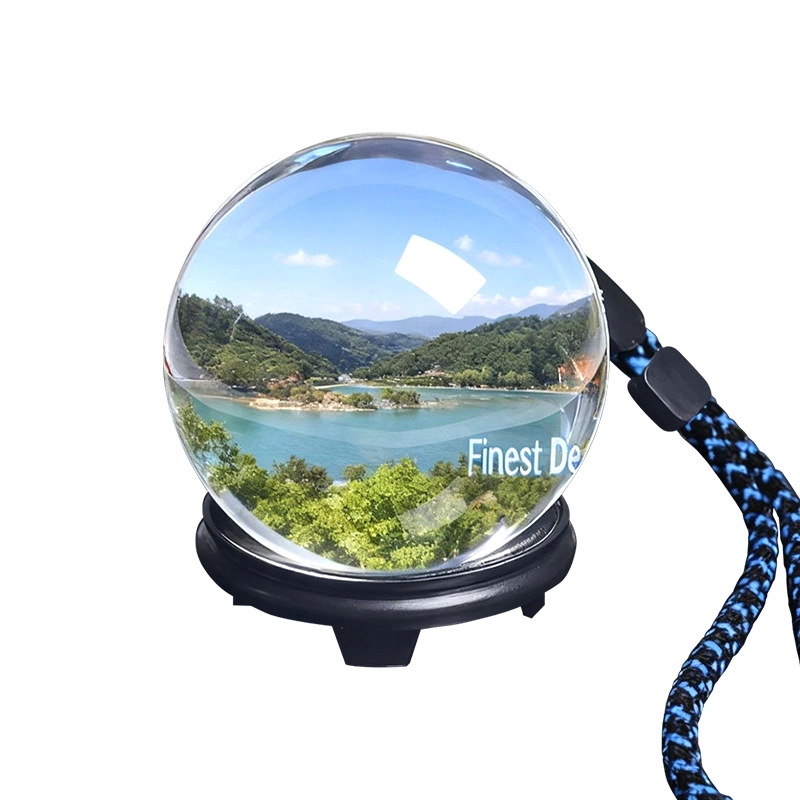
Since the crystal ball photos and crystal ball images appear within a spherical display, consider these creative best practices:
Enhance your personalized crystal balls video player reviews with professional touches:
Note:Music plays only when paired with images/videos.
Adigisky Co., Limited
Factory: Building B, Chuangxin industrial Park, NO.196 Fusheng Road, Yangwu Village, Dalang Town, Donguan.
Teams: adigisky
WhatsApp:+086 18938042832
Phone: +086 18938042832
Email: sales@adigisky.com